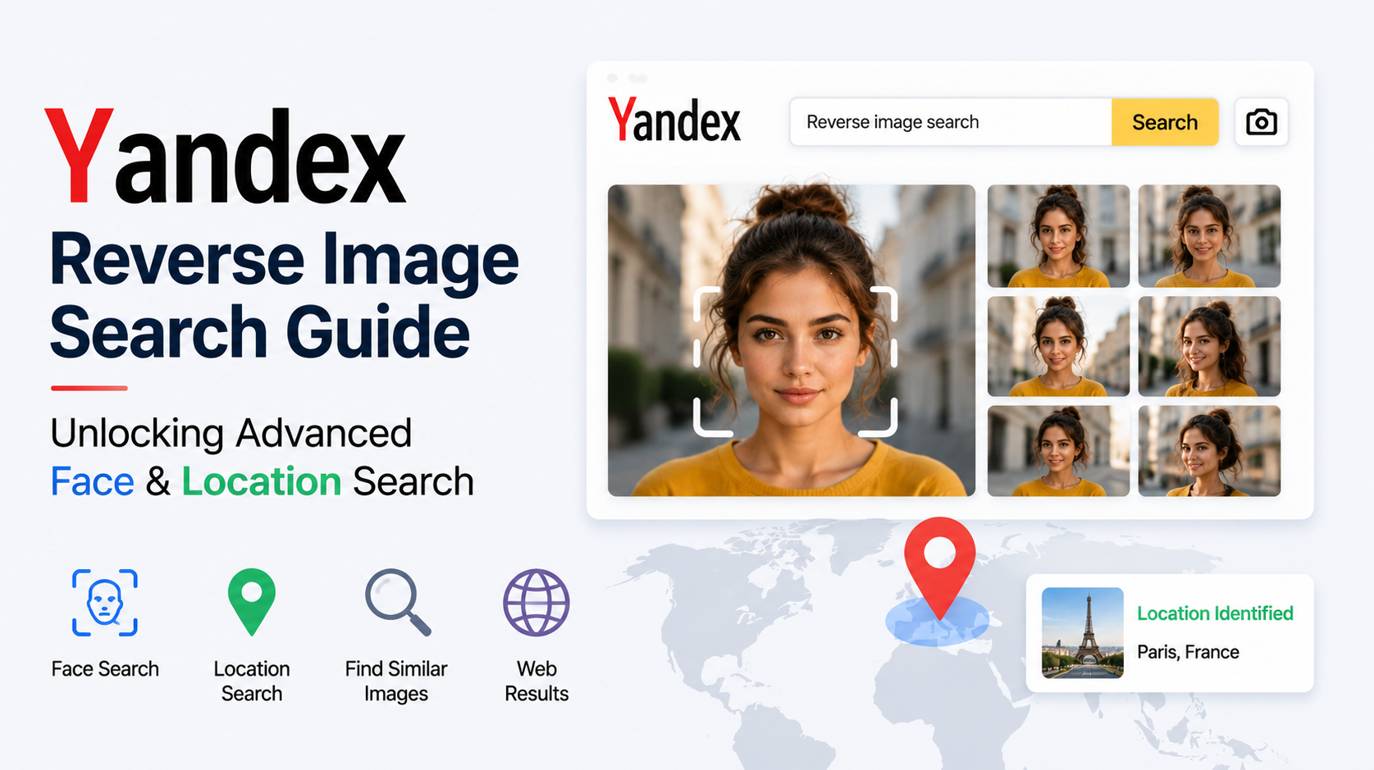
Yandex Reverse Image Search Guide: Unlocking Advanced Face & Location Search
A suspiciously perfect applicant applies for a remote position, and their LinkedIn headshot looks a little too polished. You run it through Google Lens, and it feeds you links to "visually similar blazers" and shopping ads. You don't want to buy their jacket, you want to know if they are a real person.
This is where Yandex reverse image search steps in. While Western search engines have intentionally nerfed their facial recognition capabilities in consumer products due to privacy regulations, Yandex (based in Russia) operates under a different set of algorithmic rules. For investigators, recruiters, and cybersecurity professionals, Yandex Images remains the heavy artillery for exact duplicate tracing, unmasking catfish, and identifying people or specific locations.
How Do I Do a Reverse Image Search on Yandex Via SnapZain?
To perform a Yandex reverse image search via the SnapZain platform:
- Open the Tool: Navigate to the SnapZain Reverse Image Search utility on your browser.
- Input Your Image: Drag and drop your file into the central upload zone, click to browse your device, or paste a direct Image URL if the photo is already online.
- Process the Image: Click the search button to let SnapZain's system analyze the visual data and provide you with three search engines suggestions.
- Select Yandex: Choose Yandex from the multi-engine options provided. SnapZain will seamlessly hand off your image parameters directly to Yandex's indexing engine, instantly pulling exact matches, cropped variants, and the original websites hosting the file.
Step-by-Step Walkthrough: Navigating the SnapZain To Yandex Workflow
Using SnapZain as your starting point streamlines the multi-engine pipeline, saving you from navigating cluttered homepages or dealing with regional access friction. Here is how to build a highly effective investigative workflow:
- Clean Your Source Image First: Before dropping your file into SnapZain, crop out heavy borders, watermarks, or irrelevant background noise. A tight, focused crop on a specific face, object, or landmark dramatically increases Yandex’s initial matching accuracy.
- Initiate the SnapZain Handoff: Upload your optimized visual to SnapZain reverse image search tool. Once the tool processes the image patterns, selecting Yandex bypasses standard search fields and drops you straight into their advanced deep-dive dashboard.
- Analyze the "Sites" vs. "Similar" Tabs: Once your results load, Yandex splits its analysis into two incredibly powerful tracking tabs:
Sites (Where it lives): This is your primary investigative workspace. It populates a list of the exact URLs currently hosting that specific asset. Use this to trace an image back to its original publisher, check for copyright misuse, or flag duplicate profiles using the same stock photo.
Similar (What it looks like): This section surfaces visual near-neighbors, closely matched compositions, and alternative cropped variants.
- Leverage Native Text Recognition: Yandex features a built-in optical character recognition (OCR) layer. If your uploaded image contains foreign text, a street sign, or a blurry name tag, Yandex will highlight the characters directly on the visual, allowing you to copy or translate the text instantly.
The Technology Behind Yandex Facial Recognition
Why does Yandex succeed where others fail at a Face Search Reverse Image query?
It comes down to Content-Based Image Retrieval (CBIR) algorithms weighted heavily toward facial geometry rather than mere color palettes. When you upload a face, Yandex calculates the spatial relationships between facial landmarks (distance between eyes, jawline angle, nose bridge).
This allows Yandex to find a person by photo even if they are wearing different clothes, standing in different lighting, or have aged slightly. Furthermore, its index is exceptionally strong across Eastern Europe, Asia, and non-Western web sectors, capturing data that other engines frequently miss.
Cross-Referencing Results to Spot Catfish and Fraudulent Profiles
Using Yandex as a verification tool requires an analytical mindset. Do not just take the first result as gospel; use cross-referencing to validate your findings.
- The Single Source Test: If a supposedly "real" applicant's photo only exists on one newly created LinkedIn profile, that is a red flag (likely an AI-generated face).
- The Multi-Persona Test: If you run a reverse face search and the exact same face appears under the name "John Smith" in Chicago, "David Miller" in London, and "Alex" on a dating site, you are dealing with a stolen identity or a scammer.
- The Cropping Trick: Scammers often mirror (flip) an image or crop it tightly to bypass basic reverse searches. Yandex is highly resilient against these tactics, but you can force better results by uploading the flipped version yourself to see if new hits populate.
The Privacy Matrix: Jurisdictions and Limitations of Public Face Search
It is critical to address the ethical and legal boundaries of using a powerful visual search engine.
Because Yandex operates outside of strict Western privacy frameworks (like GDPR or the CCPA), it indexes personal photos from social media, public forums, and news sites with less friction. While this makes it an incredible tool for open-source intelligence (OSINT) and verifying identities, it also means your own searches are processed through servers located in Russia.
- Best Practice: Do not upload sensitive, proprietary corporate data, or classified images to public reverse search engines. When verifying public identities or tracing public photos, the tool is invaluable. Additionally, you can read the Yandex Privacy Policy for better understanding as well.
Streamlining the Process: When to use Snapzain vs. When to Go Directly to Yandex
Jumping directly into Yandex is great for a deep, single-image investigation, but what if you need to run queries across multiple engines to cross-reference data rapidly?
This is where integrating a workspace like Snapzain optimizes your workflow. Instead of manually uploading the same image to Google, Yandex, Bing, and TinEye one by one, Snapzain’s image utility environment allows you to centralize your assets.
- Go Directly to Yandex: When you already know you are looking for a face match, trying to find the source of an obscure meme, or tracking down Eastern European origin data.
- Use Snapzain First: When you need a unified starting point to quickly prep the image (resizing, converting formats, or basic cropping) before deploying it across multiple visual search engines for a comprehensive audit.
If you have read our guide of Reverse Image Search Techniques, you will know which scenario is best for you to find any image.
Key Takeaways
When general image search tools hit a dead end, Yandex reverse Image search tool provides the algorithmic depth required to break through. By prioritizing facial geometry mapping and indexing layers of the international web that Western engines bypass, it bridges a massive gap in modern open-source intelligence.
Whether you are cross-referencing an online profile to verify an identity or tracking down the source of an altered photograph, Yandex remains a uniquely powerful tool. Just remember to practice proper digital hygiene: keep your source images cleanly cropped, look beyond the initial search results, and use multi-engine verification to build an airtight case.
Frequently Asked Questions
Why Does Yandex Find Face Matches that Google Lens Misses?
Yandex uses an advanced facial recognition algorithm that isolates facial landmark vectors, such as the exact distance between the eyes, nose shape, and jaw structure. Google has deliberately restricted or removed public facial recognition capabilities from Google Lens for private individuals due to strict Western privacy laws and regulatory frameworks. Yandex operates under a different legal framework, allowing it to index and match faces against social media networks and public directories with fewer restrictions.
Is It Safe To Upload Personal Photos To Yandex Images?
When you upload a photo to Yandex, the file is processed on external servers. If you are verifying a public photo or checking if someone is catfishing you, using Yandex is highly effective. However, you should avoid uploading highly sensitive, private, or proprietary corporate data to Yandex, or any other public search engine, as you lose control over how that visual data is stored, cached, or utilized for future machine learning inputs.
How Do I Use Yandex Reverse Image Search On My Smartphone?
To use Yandex visual search on a mobile device, open your mobile browser (like Safari or Chrome) and navigate to yandex.com/images. Tap the camera icon in the search bar to upload a photo directly from your camera roll or take a new picture using your phone’s camera. Alternatively, using an aggregate multi-engine web tool allows you to access Yandex mobile results alongside other major platforms in a single step without switching browsers.
What Should I Do if Yandex Yields No Results For An Image?
If Yandex returns zero matches, first try modifying the image to simplify the algorithm's job: crop out distracting background details, boost the contrast if the lighting is poor, or flip the image horizontally in case it was mirrored to bypass detection. If it still fails, it means the file resides behind a private login wall (like a private Instagram or Facebook account) or has never been crawled by Yandex's web crawler.
Does Yandex Reverse Image Search Cost Money or Require An Account?
No, Yandex Images is a completely free public utility. You do not need to create a Yandex account, input payment details, or download a specific app to use its visual search features on desktop or mobile browsers.


